'%20fill-rule='evenodd'%20clip-rule='evenodd'%20d='M9%206.75C8.58579%206.75%208.25%206.41421%208.25%206C8.25%205.58579%208.58579%205.25%209%205.25H18C18.4142%205.25%2018.75%205.58579%2018.75%206V15C18.75%2015.4142%2018.4142%2015.75%2018%2015.75C17.5858%2015.75%2017.25%2015.4142%2017.25%2015V7.81066L6.53033%2018.5303C6.23744%2018.8232%205.76256%2018.8232%205.46967%2018.5303C5.17678%2018.2374%205.17678%2017.7626%205.46967%2017.4697L16.1893%206.75H9Z'%20fill='%23FFF'%20/%3e%3c/g%3e%3c/svg%3e)
Main Features
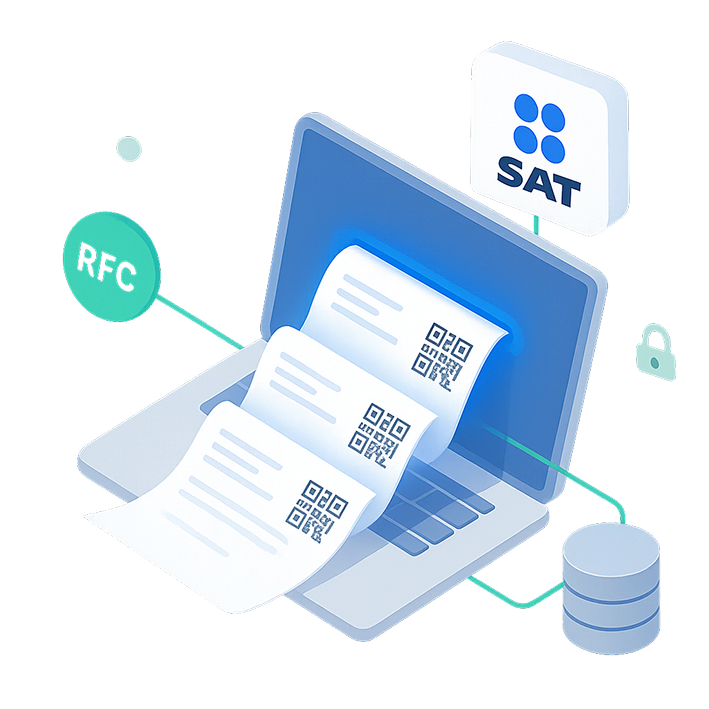
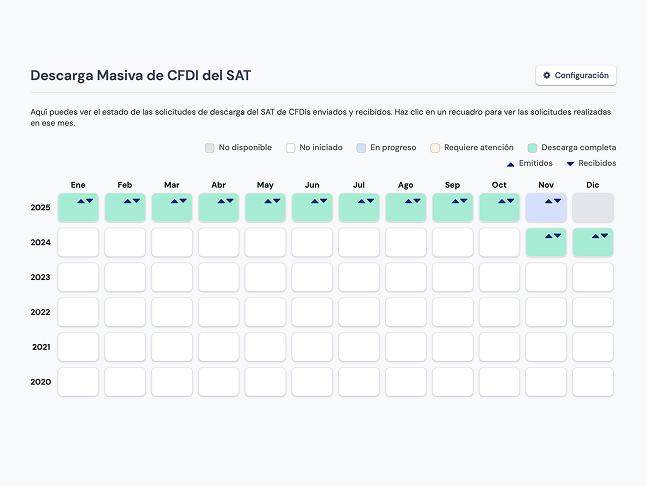
Massive Download features that simplify the retrieval and management of your organization's CFDIsDownload an entire month of CFDIs in a few clicks
You can select a specific month and retrieve both issued and received CFDIs for your organization's RFC.Search and query CFDIs
View all synchronized CFDIs in your dashboard and search by UUID, business name, concept, and more.
Quick setup
Subscribe, upload your FIEL files, and start downloading your CFDIs.We generate PDF versions of your documents
Facturapi will generate a PDF representation of your downloaded XML files.Cancel CFDIs obtained via Massive Download
Cancel issued CFDIs retrieved through Massive DownloadDownload PDF, XML, or ZIP
Download individual CFDIs files in the format you need.Automatically retrieve CFDIs for the current month
When enabled, Facturapi will automatically retrieve issued and/or received CFDIs as the days pass.Send documents by email
You can send your downloaded CFDIs via email.Compatibility with other products
Downloaded CFDIs can be used from the API or Web Invoicing for additional operations, such as credit notes or payment complements.Thousands of national and international companies trust Facturapi for CFDI compliance in Mexico.









Use CasesWe work with companies of all sizes and industries, helping them automate the retrieval, review, and handling of their CFDIs to simplify accounting and compliance processes.

Businesses that need to automatically obtain all their issued and/or received CFDIs
Companies that process large volumes of invoices and require fast retrieval without depending on the SAT portal
Businesses that reconcile payments and supplier invoices
Companies that need to operate with downloaded CFDIs using other tools, such as an API or an ERP
How It Works

- 01
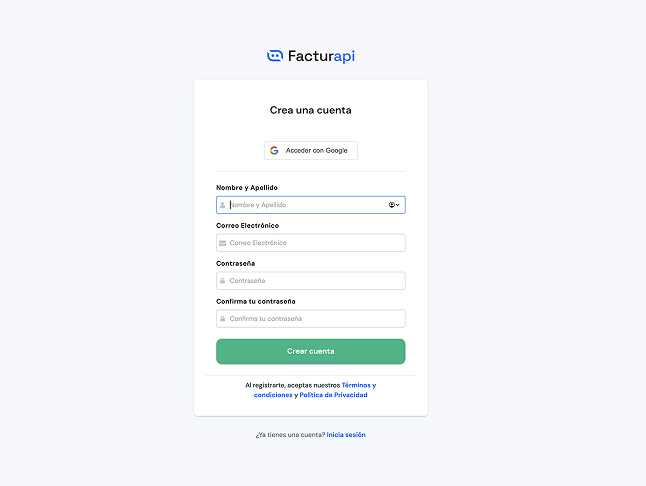
Create an account on Facturapi
- 02
Create an Organization and set it up
- 03
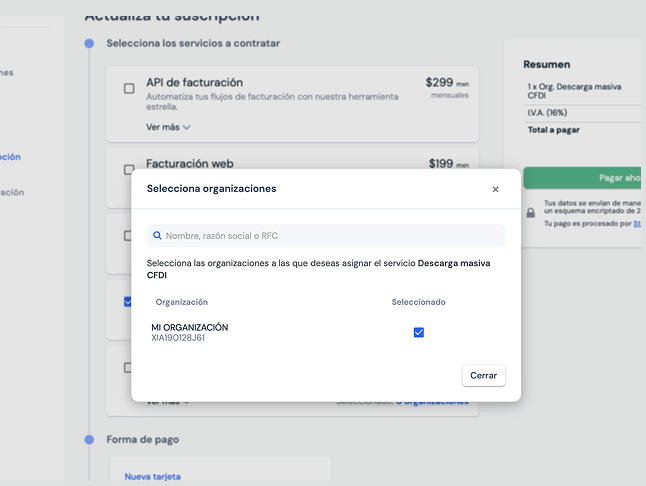
Purchase SAT Automatic CFDI Downloads for your Organization
- 04
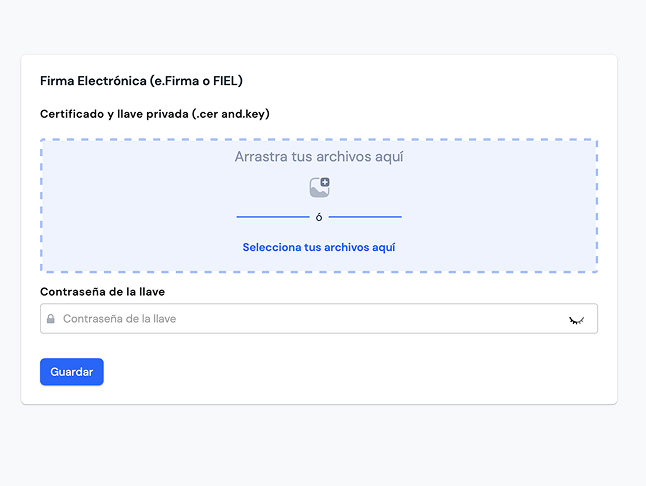
Upload your FIEL certificate
- 05
Start downloading CFDIs

Pricing
Automatic SAT CFDI Downloads
$999 MXN per Organization / Month + Usage
Cost per Synced CFDI: $0.20 MXN
Tax included
Our simplified solution lets you download all CFDIs issued and received for your organization, generated outside Facturapi, sorted by year and month.What our customers are saying
FAQ's
Do I need to pay for each issuing RFC?
Do I need to be or have the help of a programmer to use Facturapi?
How are the subscription and consumables billed?